e-HRMS 2.0 vs e-HRMS 1.0 — What Changed and Why It Matters
Imagine you are a government employee in 2018. You want to apply for a transfer. You fill out a paper form, get it signed by your reporting officer, forward it to the admin section, wait for it to reach the right table, and then wait some more. Weeks pass.
Now imagine doing the same thing today on e-HRMS 2.0. You log in, go to the Transfer section, fill in your preference, and submit online. Your reporting officer gets a notification instantly. No paper. No waiting.
That is the difference between the old system and the new one. This article breaks it all down clearly.
What Was e-HRMS 1.0?
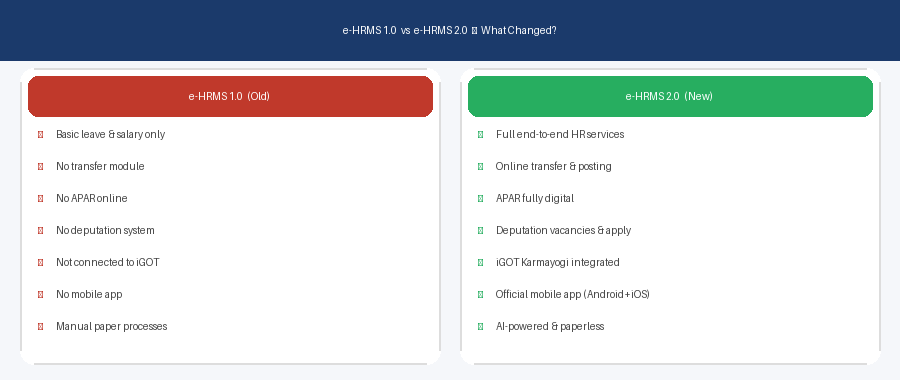
The first version of e-HRMS was launched in 2017 by DoPT. It was a good start, but had real limitations. Employees could access some basic services, but many important HR functions still ran through separate systems or paper-based processes. The old e-HRMS was not connected to the transfer system, APAR process, iGOT training, or deputation management.
What Changed in e-HRMS 2.0?
e-HRMS 2.0 was launched in December 2022. It is a complete rebuild, not just an update. Here is what is new:
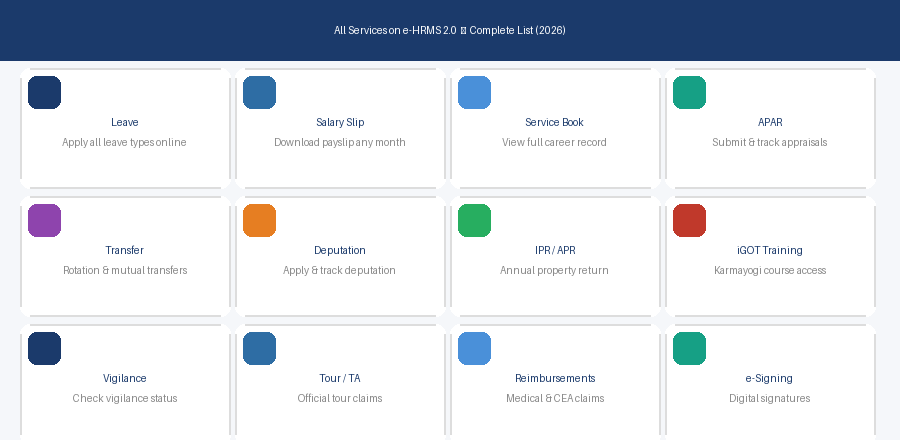
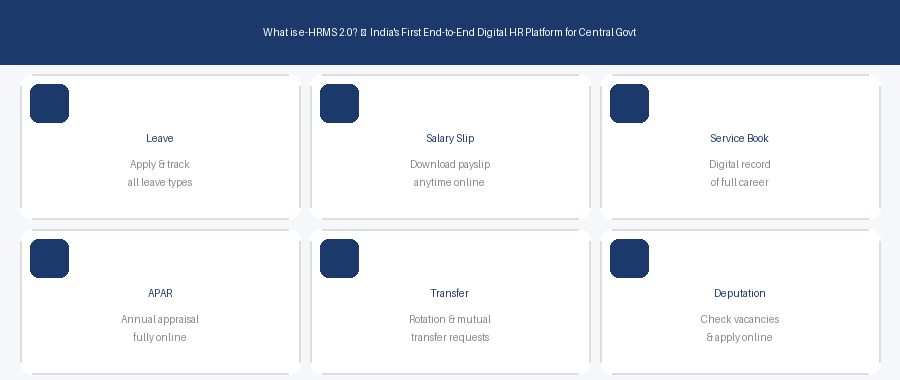
- Online Transfers: Rotation and mutual transfers can now be initiated and tracked digitally — this was not available in v1.
- Deputation Management: Employees can view vacancies across ministries and apply directly through the portal.
- APAR Fully Online: Annual Performance Appraisal Report is submitted, reviewed, and tracked entirely on e-HRMS 2.0.
- IPR and APR Filing: Annual Property Returns can be filed online with digital records maintained every year.
- iGOT Karmayogi Integration: Connected to the Government’s flagship training platform. Training records are visible inside e-HRMS 2.0.
- Vigilance Status: Employees can check vigilance clearance directly from the portal.
- Mobile App: Official e-HRMS 2.0 mobile app launched in October 2024 for Android and iPhone.
- AI-Powered Features: DoPT describes e-HRMS 2.0 as an AI-powered HR platform that automates workflows.
- e-Signing: Documents can now be digitally signed — removing the need for physical signatures.
Side-by-Side Comparison
| Feature | e-HRMS 1.0 | e-HRMS 2.0 |
|---|---|---|
| Leave Management | Available | Available + improved |
| Salary Slip | Available | Available + mobile access |
| Transfer (Rotation/Mutual) | Not available | Fully online ✓ |
| APAR Submission | Partly online | Fully digital ✓ |
| Deputation | Not available | Vacancies + apply online ✓ |
| IPR/APR Filing | Not available | Fully online ✓ |
| iGOT Training | Not integrated | Integrated ✓ |
| Mobile App | Not available | Android + iPhone ✓ |
| AI Features | Not available | AI-powered workflows ✓ |
Frequently Asked Questions
Do I need to re-register if I was already on e-HRMS 1.0?
No. If you were already on e-HRMSv1, you automatically continue on v2. Just use the new URL e-hrms.gov.in. Your data and services remain intact.
Can I still use the old cscms.nic.in URL?
Yes, but it now automatically redirects you to e-hrms.gov.in. No need to update your bookmarks.
Is e-HRMS 2.0 available to all central government employees?
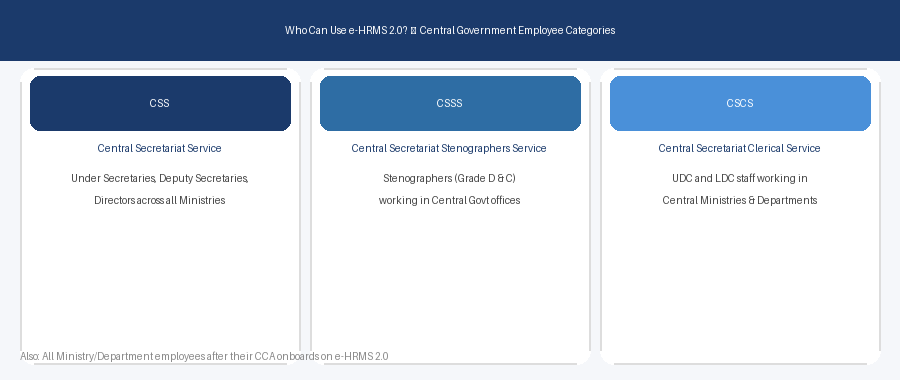
e-HRMS 2.0 is being rolled out in phases. It started with CSS, CSSS, and CSCS employees and is expanding to all ministries.