What is e-HRMS 2.0? Complete Guide for Central Government Employees (2026)
If you are a central government employee and someone tells you to apply for leave, check your salary slip, or submit your annual property return online — they are talking about one place. That place is e-HRMS 2.0.
Before this portal existed, central government employees had to visit multiple offices, fill paper forms, wait days for approvals, and keep physical copies of everything. A transfer order took weeks of paperwork. An APAR involved couriering documents between offices. A leave application meant filling a form and getting a physical stamp.
All of that has changed. This article explains what e-HRMS 2.0 is, what it does, and why it matters for you as a government employee in 2026.
What is e-HRMS 2.0?
e-HRMS 2.0 stands for Electronic Human Resource Management System, version 2.0. It is an official online portal created and managed by the Department of Personnel and Training (DoPT), Government of India.
You can access it at: e-hrms.gov.in
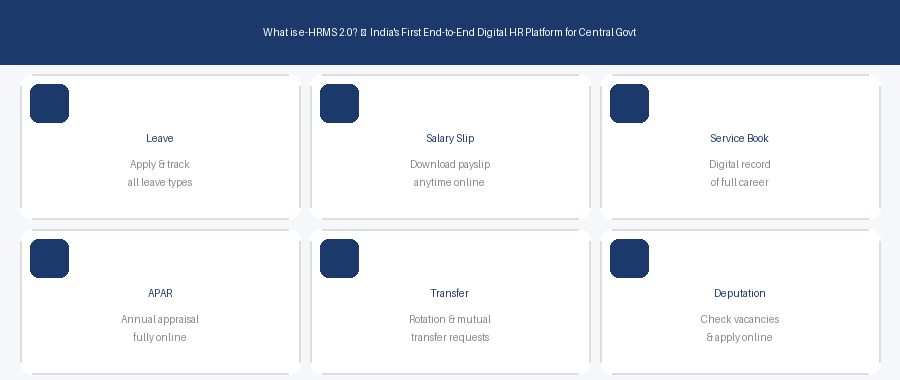
In simple words, e-HRMS 2.0 is a one-stop digital platform where central government employees can do all their HR-related work online. No paper forms. No physical office visits. No waiting in queues. Everything from applying for leave to submitting your annual property return happens right here.
DoPT describes it as India’s first end-to-end digital HR system for government employees — covering your entire service journey from the day you join until the day you retire.
Why Was e-HRMS 2.0 Launched?
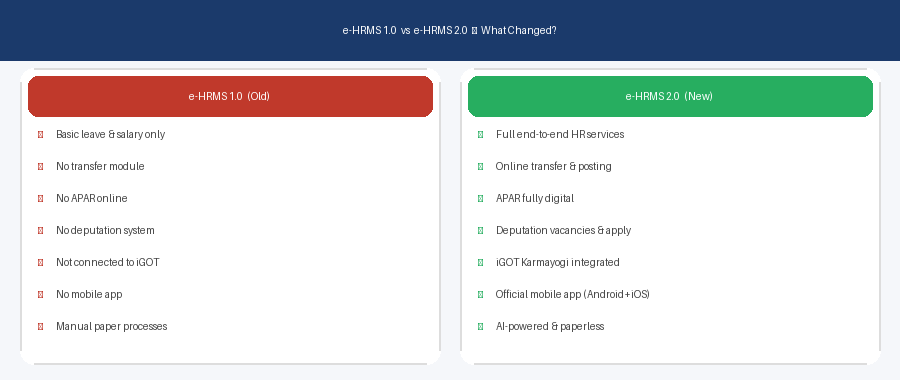
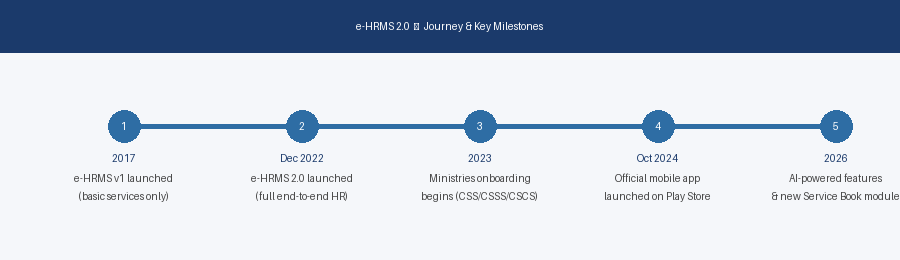
The older version, e-HRMS 1.0, was launched in 2017. It helped, but it was limited. Employees could only access basic services. It was not connected to transfer systems, APAR, or iGOT Karmayogi training. Paper processes were still common.
In December 2022, the Government launched the revamped e-HRMS 2.0 with a much wider scope. The goal was clear: complete digitisation of HR services for central government employees.
Result: Thousands of man-hours saved every year. Tonnes of paper eliminated. Faster approvals. More transparency.
What Can You Do on e-HRMS 2.0?
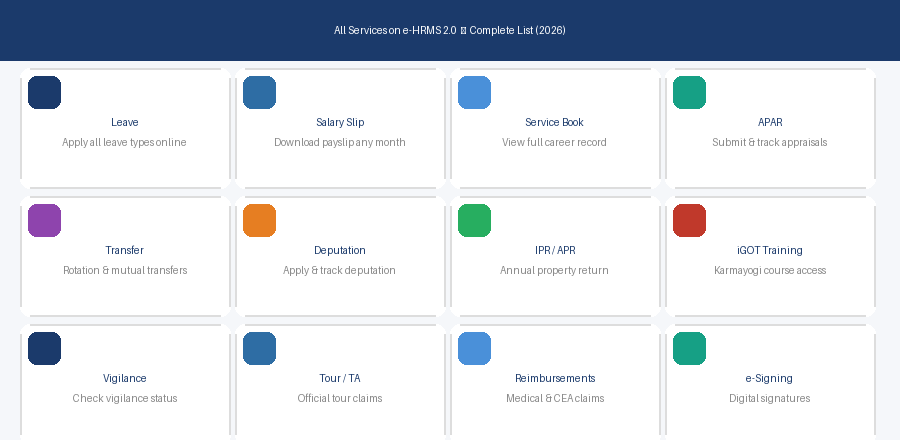
- Leave Management — Apply for all types of leave online
- Salary Slip — Download your payslip and Form 16 anytime
- e-Service Book — View and update your complete digital career record
- APAR — Submit and track Annual Performance Appraisal Report
- Transfer — Apply for rotation and mutual transfers
- Deputation — Check vacancies and apply for deputation
- IPR / APR — File your Annual Property Return online
- iGOT Training — Access Karmayogi training courses
- Vigilance — Check your vigilance clearance status
- Tour / TA/DA — Submit official tour and reimbursement claims
Who Manages e-HRMS 2.0?
e-HRMS 2.0 is developed and managed by DoPT under the Ministry of Personnel, Public Grievances and Pensions. Technical infrastructure is supported by the National Informatics Centre (NIC). Login is done via Parichay — NIC’s unified single sign-on platform.
Is e-HRMS 2.0 Available on Mobile?
Yes. DoPT has launched an official e-HRMS 2.0 mobile app, available on both Android (Google Play Store) and iPhone (Apple App Store). Developed by Karmayogi Bharat, the app was last updated in July 2025 and has been downloaded over 2.5 lakh times.
Frequently Asked Questions
What is the official website of e-HRMS 2.0?
The official URL is e-hrms.gov.in. You can also use the old URL cscms.nic.in, which automatically redirects you to e-hrms.gov.in.
Is e-HRMS 2.0 only for CSS employees?
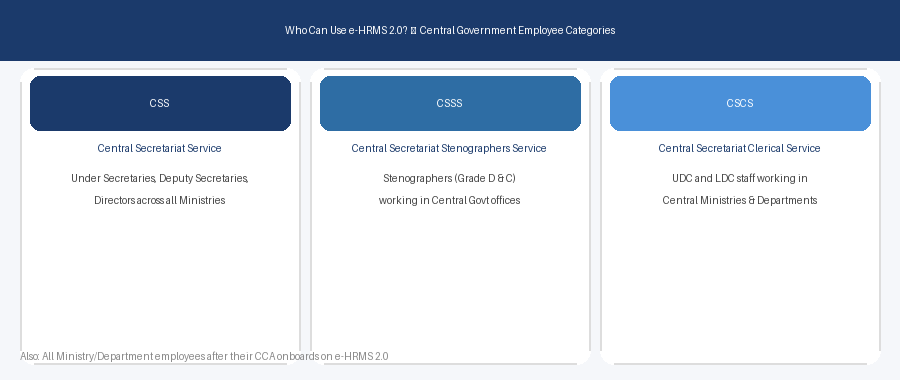
No. While it started with CSS, CSSS, and CSCS cadre employees, e-HRMS 2.0 is expanding to all central government ministries and departments.
Is e-HRMS 2.0 free to use?
Yes, it is completely free for all eligible government employees.
What do I need to login to e-HRMS 2.0?
You need your employee User ID and password issued by your Nodal Officer. Login is done via the Parichay NIC platform at parichay.nic.in.