Who Can Use e-HRMS 2.0? CSS, CSSS, CSCS and All Ministry Employees Explained
Many central government employees ask the same question: “Is e-HRMS 2.0 for me? Can I use it?”
The short answer is: if you work in a central government ministry or department, there is a very good chance that e-HRMS 2.0 either already covers you or will cover you very soon.
The Primary Users: CSS, CSSS, and CSCS
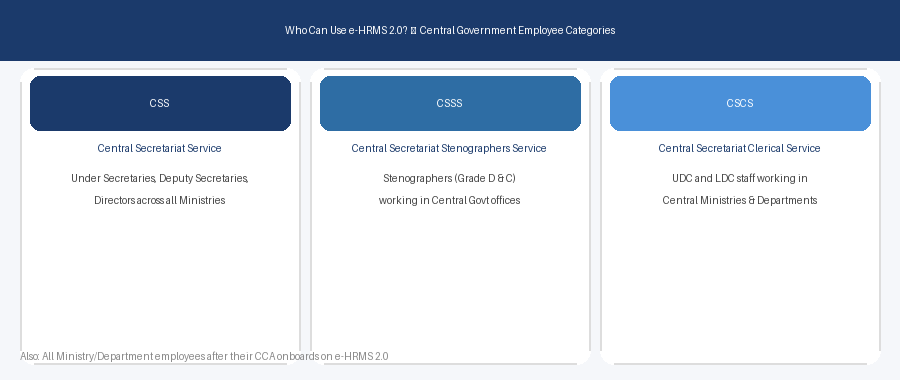
CSS — Central Secretariat Service
CSS officers work in the administrative sections of central government ministries and departments. This includes Under Secretaries, Deputy Secretaries, and Directors across all ministries. They handle policy files, office management, and coordination. If you are a CSS officer, e-HRMS 2.0 was built first and foremost for you.
CSSS — Central Secretariat Stenographers Service
CSSS employees provide secretarial and stenography support to senior officers. This includes Stenographers Grade D and Grade C working in central government offices. Their HR needs are managed through the same e-HRMS 2.0 portal.
CSCS — Central Secretariat Clerical Service
CSCS employees handle clerical and administrative support. This includes Upper Division Clerks (UDC) and Lower Division Clerks (LDC) in central ministries. They are also primary users of e-HRMS 2.0.
What About Employees Outside These Three Cadres?
e-HRMS 2.0 is not limited to just CSS, CSSS, and CSCS. DoPT is rolling out the platform to all central government ministries and departments in phases. If your ministry’s Cadre Controlling Authority (CCA) has been onboarded, you can use the portal too.
Examples of departments being onboarded include: Ministry of Finance, Ministry of Home Affairs, CGHS, various public sector organisations, and autonomous bodies under the central government.
Three Types of Users on e-HRMS 2.0
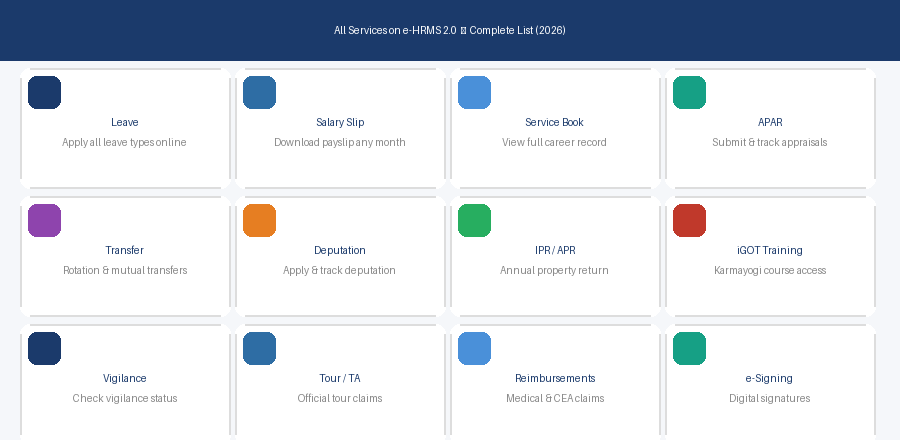
- Employee: The regular government employee who uses self-service features — leave, salary slip, APAR, APR, etc.
- Nodal Officer: The designated official in each ministry who manages employee registrations and acts as contact between employees and DoPT.
- CCA (Cadre Controlling Authority): The senior authority that oversees the ministry’s presence on e-HRMS 2.0 and authorises employee onboarding.
How to Know If Your Ministry is Onboarded
Try logging in at e-hrms.gov.in with your employee credentials. If your ministry has been onboarded, your account will be active. If not yet registered, contact your Nodal Officer — they will provide your User ID and initial password.
You can also email: support.ehrms-dopt@gov.in
Frequently Asked Questions
I am a Group B employee in a central ministry. Can I use e-HRMS 2.0?
Yes, if your ministry has been onboarded. Group A, B, and C employees of central ministries can all be onboarded once the CCA initiates the process.
My department just onboarded. How do I get my login?
Contact your Nodal Officer. They will register you and share your User ID and initial password. You will be prompted to change it on first login.
I was on e-HRMS v1. Do I need a new registration for v2?
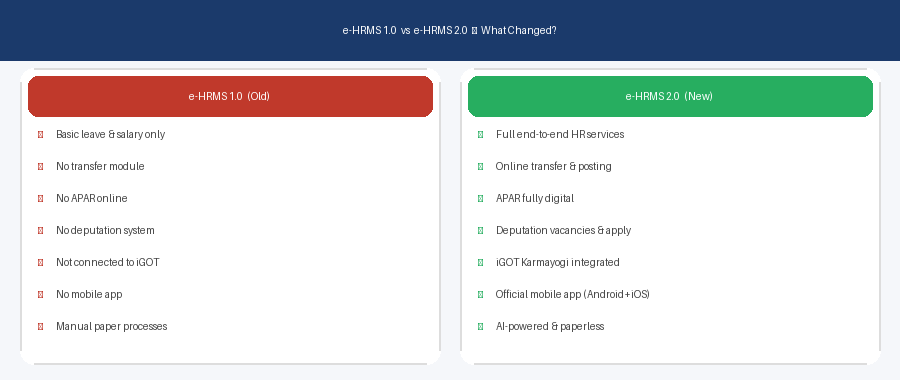
No. Employees on e-HRMSv1 automatically continue on v2. Just use e-hrms.gov.in.
I am on deputation to another ministry. Which portal do I use?
You continue using e-HRMS 2.0 through your parent cadre CCA. Your deputation status is also tracked on the same portal.